Table of Content
Using Composer
Access Your Server via SSH and Navigate to the Directory where Drupal Will be Installed
- In Command Line Interface, type:
ssh username@serverip -p yourportnumber, replacing username, serverip, and yourportnumber with your specific credentials for your server, - Once prompted for your password, type it or paste it,
- Once your SSH session has been authenticated, navigate to the directory where Drupal will be installed by using a command similar to the following:
cd path/to/your/drupal/directory, or - Make the directory with command:
mkdir directorynamehere.
Using a web browser
- Go to drupal.org/download and copy the provided composer command,
- Add the
--no-installoption, - Your command should look similar to this:
composer create-project --no-install drupal/cms, - Paste the command into your SSH command line interface.
Move the ‘web’ directory to the root directory
- There should be a directory named, “cms” with some files and a folder called “web”,
- Move all files and directories from “cms” folder to root directory:
mv cms/* ./, - Delete “cms” folder:
rmdir cms, - Move all files and directories from web folder to root directory:
mv web/* ./, - Delete web folder:
rmdir web.
Edit composer.json File
- Type:
vi composer.json, - Type:
ito enable insert mode, - Find and change
web-rootandinstaller-pathsdirectives from web directory to root directory.
"drupal-scaffold": {
            "locations": {
                "web-root": "web/"
            }
        },
 "installer-paths": {
            " web/core": ["type:drupal-core"],
            " web/libraries/{$name}": ["type:drupal-library"],
            " web/modules/contrib/{$name}": ["type:drupal-module"],
            " web/profiles/contrib/{$name}": ["type:drupal-profile"],
            " web/themes/contrib/{$name}": ["type:drupal-theme"],
            "./drush/Commands/contrib/{$name}": ["type:drupal-drush"],
            " web/modules/custom/{$name}": ["type:drupal-custom-module"],
            " web/profiles/custom/{$name}": ["type:drupal-custom-profile"],
            "./recipes/{$name}": ["type:drupal-recipe"],
            "web/themes/custom/{$name}": ["type:drupal-custom-theme"]
},- Change the above to:
"drupal-scaffold": {
            "locations": {
                "web-root": "./"
            }
        },
 "installer-paths": {
            "./core": ["type:drupal-core"],
            "./libraries/{$name}": ["type:drupal-library"],
            "./modules/contrib/{$name}": ["type:drupal-module"],
            "./profiles/contrib/{$name}": ["type:drupal-profile"],
            "./themes/contrib/{$name}": ["type:drupal-theme"],
            "./drush/Commands/contrib/{$name}": ["type:drupal-drush"],
            "./modules/custom/{$name}": ["type:drupal-custom-module"],
            "./profiles/custom/{$name}": ["type:drupal-custom-profile"],
            "./recipes/{$name}": ["type:drupal-recipe"],
            "./themes/custom/{$name}": ["type:drupal-custom-theme"]
},- Press
Esckey to exit insert mode, - Type:
:wqto save file and exit.
Install Drupal
- For developer site, type:
composer install. - For production site, type:
composer install --no-dev. - Create your database.
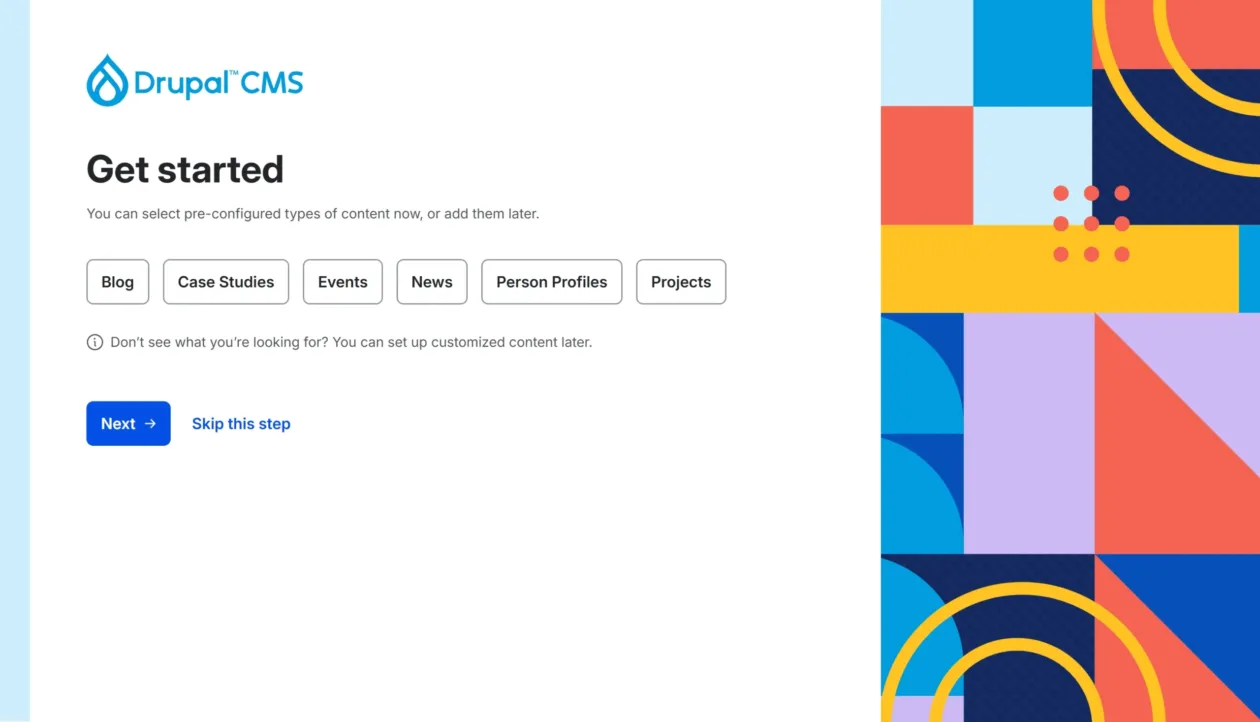
- Run the interactive installer via a web browser.
- Follow the steps provided in the INSTALL.txt file located in the core directory to complete your setup and secure your site.